From Laravel 6 to Laravel 13: Upgrading a 7-Year-Old Project on PHP 8.4
Published on by Aleksandar Cvetanovski
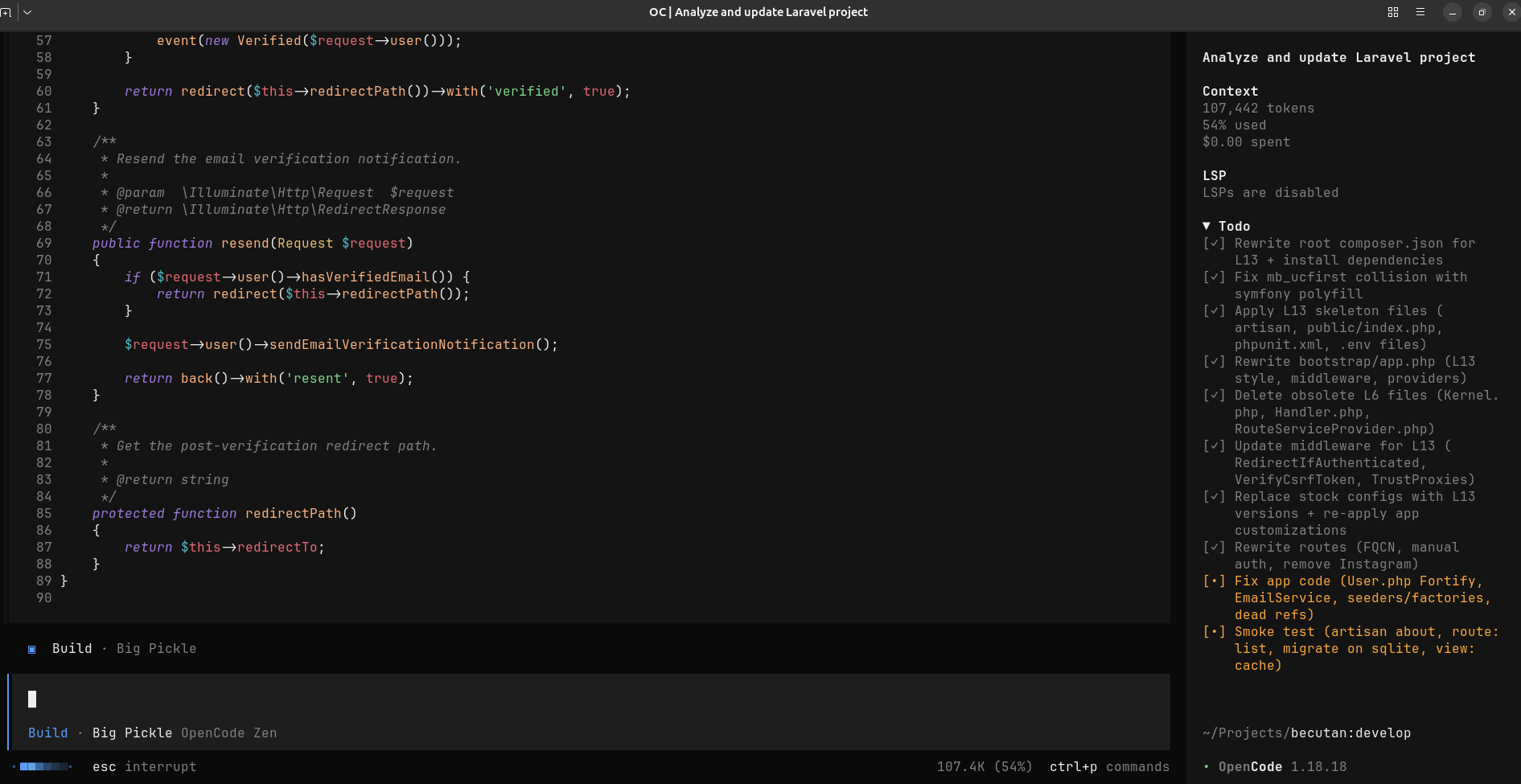
From Laravel 6 to Laravel 13: Can an Old Project Be Saved?
I recently had an old Laravel project that was built around 2019.
It was running on Laravel 6.20 and PHP 7.2, with a custom admin panel, multilingual frontend, some old packages, and a few integrations.
The application still worked, but the stack was seriously outdated.
Instead of rewriting it, I wanted to try something simpler:
How far can I actually upgrade this project?
Could a Laravel 6 application make it all the way to Laravel 13 and PHP 8.4?
I decided to find out.
The plan
I wanted to keep the existing application as much as possible.
The database, business logic, frontend and existing features would stay. The goal was to upgrade the framework rather than rebuild the application.
The process was basically:
-
Get the existing application working and establish a baseline.
-
Upgrade Laravel and the dependencies.
-
Fix the things that broke.
-
Remove a couple of outdated integrations.
-
Add some basic tests.
-
Verify that the application still works.
It sounded straightforward.
It wasn't.
Laravel changed a lot
Going from Laravel 6 to Laravel 13 is a pretty big jump.
The application structure has changed, authentication has changed, configuration has changed, and several packages used by the old project are no longer compatible.
One example was the application bootstrap configuration.
The newer Laravel structure uses bootstrap/app.php for things that were handled differently in older versions.
There were also some compatibility issues with facade aliases and the old authentication controllers.
Instead of trying to keep the old authentication implementation alive, I decided to rewrite the authentication controllers using the modern Laravel approach.
For example, login ended up being something much simpler:
if (Auth::attempt($credentials, $remember)) { $request->session()->regenerate(); return redirect()->intended('/admin');}Nothing particularly complicated — just modern Laravel code instead of trying to preserve seven-year-old framework assumptions.
Then PHP 8.4 joined the party
Laravel wasn't the only problem.
Moving from PHP 7.2 to PHP 8.4 exposed quite a few issues that had been hiding in the old application.
For example, code like this was everywhere:
$value = $settings[$key];If the key didn't exist, PHP 7 was much more forgiving.
On PHP 8.4, these kinds of issues became much harder to ignore.
I ended up making old helper code more defensive:
$value = DB::table('settings') ->where('name', $group . '.' . $key) ->value('value'); return $value ?? $fallback;There were also places where foreach was being called with null, old helper functions collided with newer PHP functions, and other small assumptions from the PHP 7 era had to be cleaned up.
One particularly strange problem
One of the more interesting problems was the homepage.
After the upgrade, it sometimes returned a 500 error.
The actual problem was related to Laravel's newer cache configuration.
The old settings package was storing Laravel objects in the file cache, while the newer Laravel configuration was more restrictive about which classes could be unserialized.
The fix ended up being very small:
// config/cache.php 'serializable_classes' => true,This was a good reminder that sometimes an upgrade problem isn't actually caused by your application code.
It can be a changed framework default.
Goodbye Swift Mailer
The application was also using Swift Mailer.
That's another thing that has disappeared from modern Laravel applications.
The old code was based around Swift_SmtpTransport, while modern Laravel uses Symfony Mailer.
So the mail configuration had to be updated as well.
The new configuration looks more like:
config([ 'mail.mailers.smtp.host' => $settings['host'], 'mail.mailers.smtp.port' => $settings['port'], 'mail.mailers.smtp.scheme' => $this->mapScheme( $settings['encryption'] ),]);The interesting thing here is that the email functionality itself didn't really change.
The infrastructure underneath it did.
Removing old stuff
The upgrade also gave me a good excuse to remove functionality that wasn't really needed anymore.
One example was the old Instagram integration.
Instead of spending time making an old Instagram package compatible with the new Laravel version, I removed it.
Sometimes upgrading an old application isn't just about making everything work again.
It's also an opportunity to ask:
Do we still need this?
The result
After working through the compatibility issues, the application was running on:
Laravel 13PHP 8.4And the important part:
I didn't rewrite the application.
The database stayed.
The existing business logic stayed.
Most of the frontend stayed.
The project simply moved forward.
There are still things I'd like to modernize later — especially the frontend build chain, static analysis, and CI — but that's a different project.
Was it worth it?
For me, yes.
The original goal wasn't to create a perfectly modern Laravel application.
I mainly wanted to answer a question:
Can a seven-year-old Laravel project be upgraded instead of rewritten?
The answer is yes.
It's not always going to be the right decision. Sometimes a rewrite makes more sense.
But before throwing away an old Laravel application, it's probably worth finding out how much of it can actually be saved.
For this project, quite a lot could.